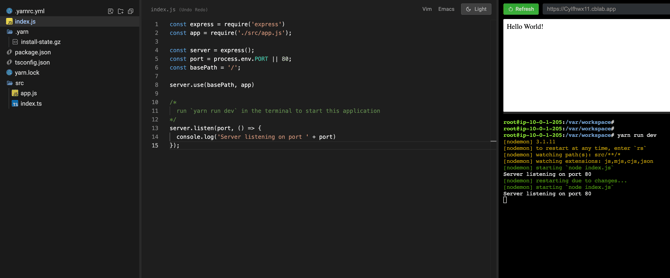
You can run a back-end server as part of an interview when you need a server that your code can make GET and POST requests to, or when you want a server that runs behind the scenes and is fully controlled by you without being visible to the candidate.
Set Up Your Back-End Server
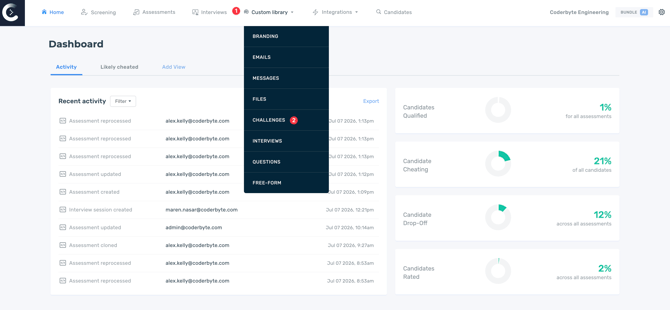
To load in a saved question that can run a back-end server, first set up the question by navigating to Custom library in your main dashboard and then select Challenges.
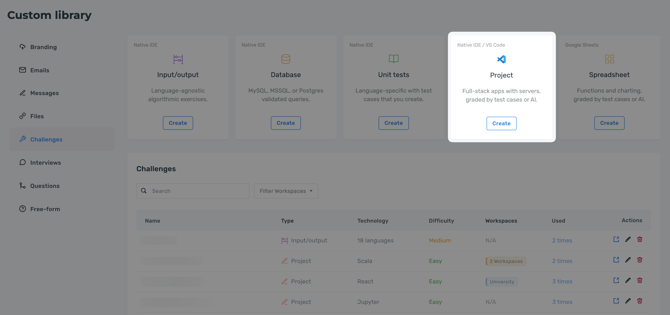
Next, click Create under the Project challenge type.
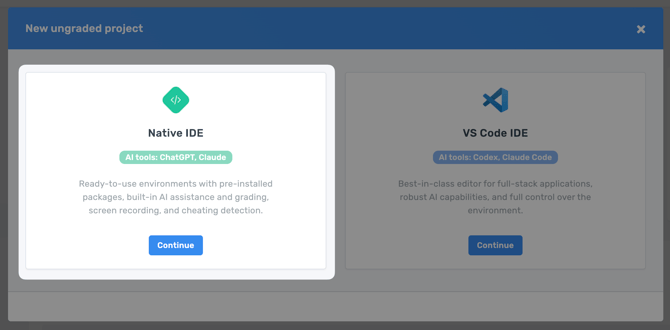
Upon clicking create, select Native IDE from the modal that appears.
Then, provide a name for your interview question, assign a difficulty level, and open the IDE to set up your question with instructions, files, and code.
Use the Server in an Interview
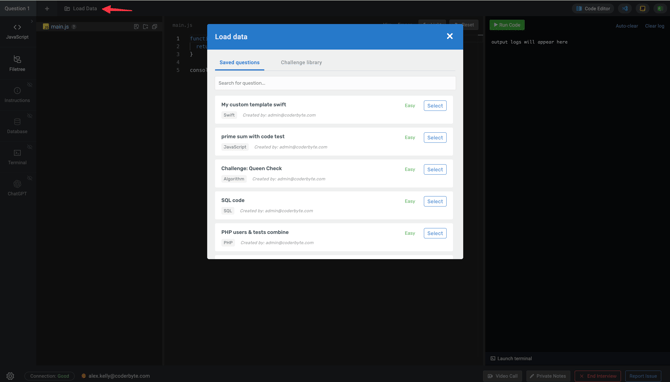
Once your question is set up, load it into an interview and start the server. E.g. for a Next.js application just run npm run dev in the terminal.
The server will be accessible under a URL that will remain the same and can be reused across multiple interviews. In the example below, the server is under https://CyIfhwx11.cblab.app and you can now make GET and POST requests to that URL.