
Step 1: First, make sure that you have the API add-on enabled.
Step 2: Create a new user in your InHire account to be used for Coderbyte integration.
Step 3: Obtain your InHire client subdomain (tenant ID). This identifier is the same as the URL you are using when accessing your InHire dashboard.
For example, if you are using https://acme.inhire.app, then your client subdomain is acme.
Step 4: Enter the client subdomain and new user's credentials into the Coderbyte integration dashboard:
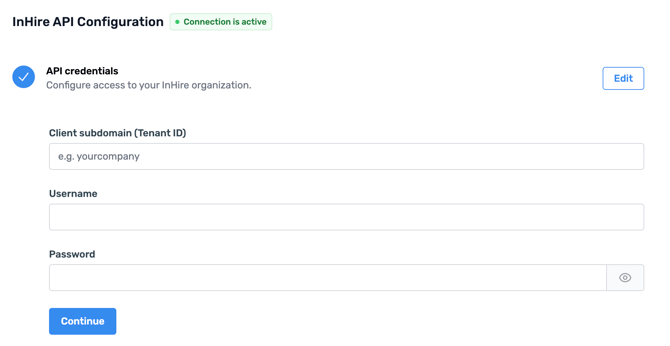
Step 5: Click Continue.
Step 6: You can now create Workflows to automate tasks between Coderbyte and InHire.