Within a code interview, you can switch from a code editor to a dynamic whiteboard powered by Miro. Click Whiteboard in the top right navigation.
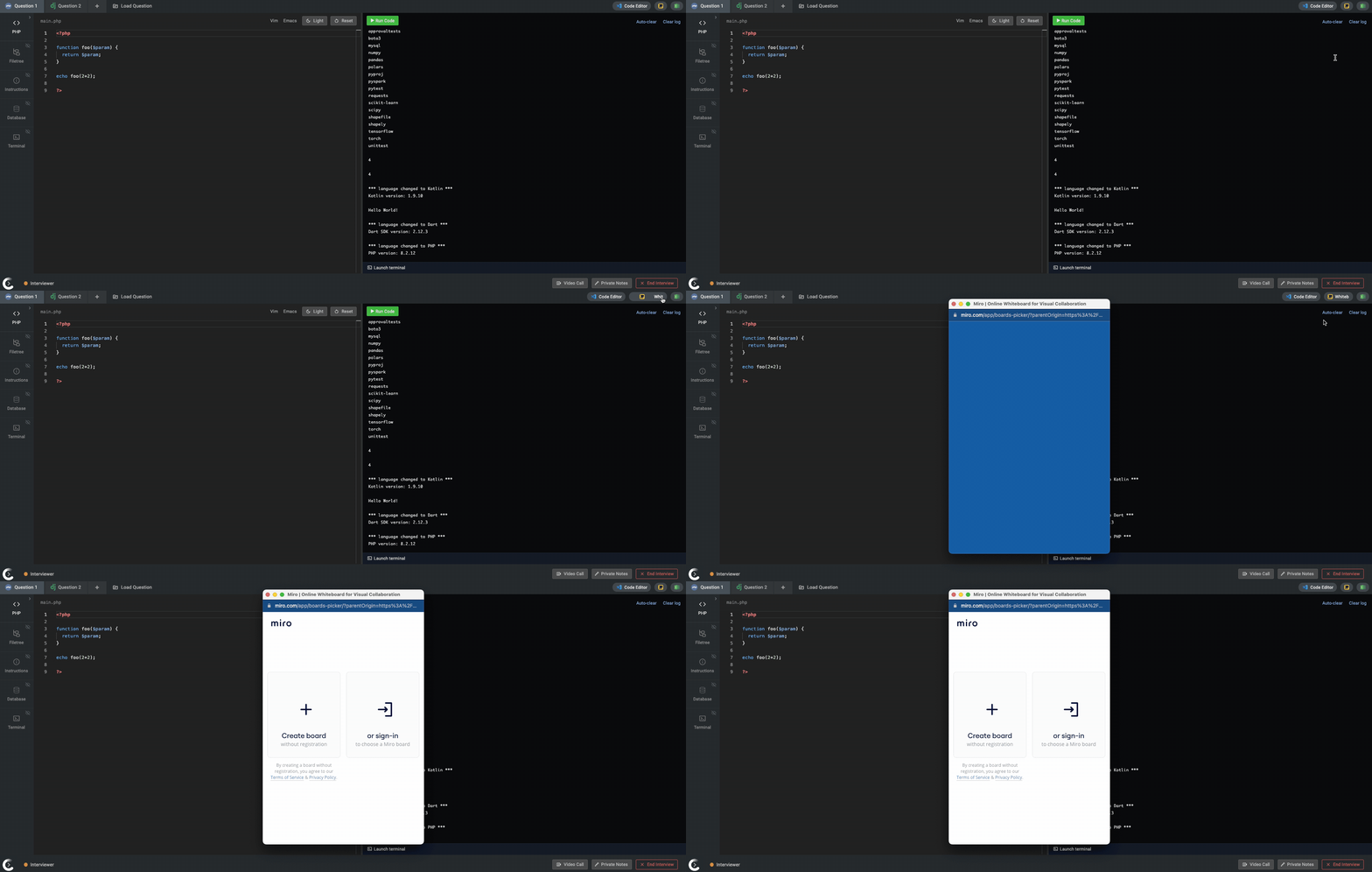
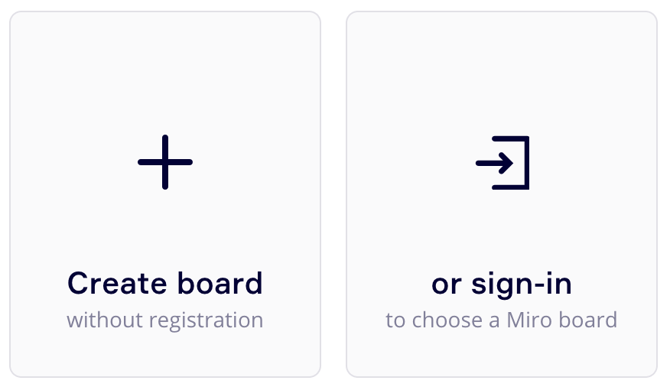
You will have two options when opening a whiteboard. You can create a new whiteboard from scratch or load in an existing whiteboard from your company's Miro account.
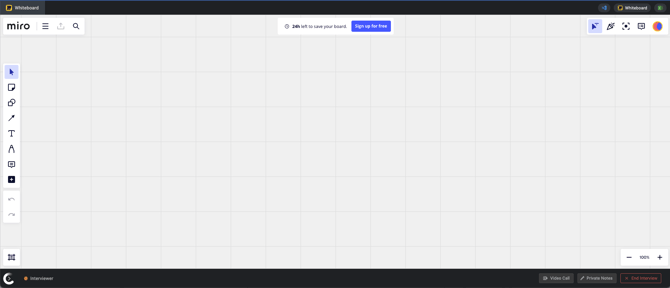
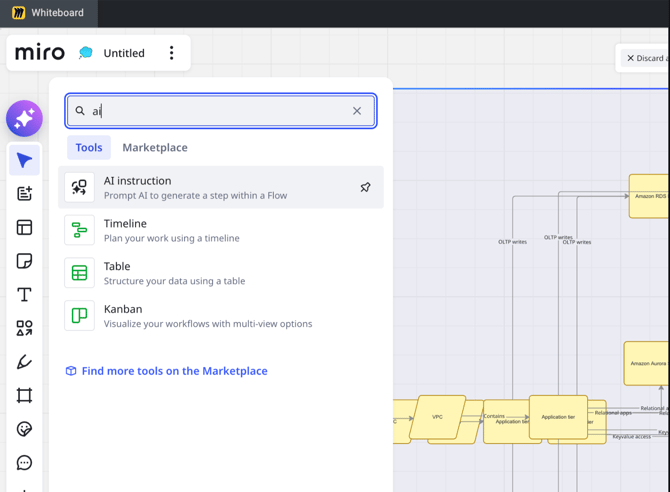
With whiteboards powered by Miro, you have access to many dynamic capabilities and AI-powered features allowing candidates to use prompts to generate steps within a flow and get support while building out diagrams.
 .
.
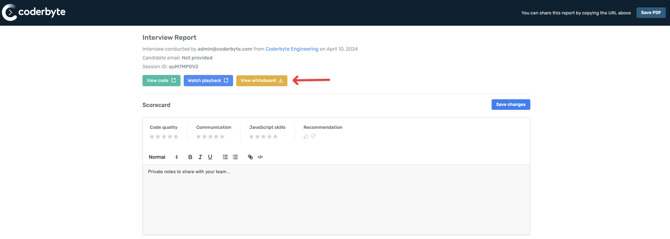
After you end the Interview, the whiteboard will be accessible from the Interview report.