
Note: Bulk candidate deletion is available with the Premium Analytics & proctoring add-on and is included by default in Bundle annual or Enterprise plans.
Individual candidate deletion is available to all customers directly from any Assessment page.
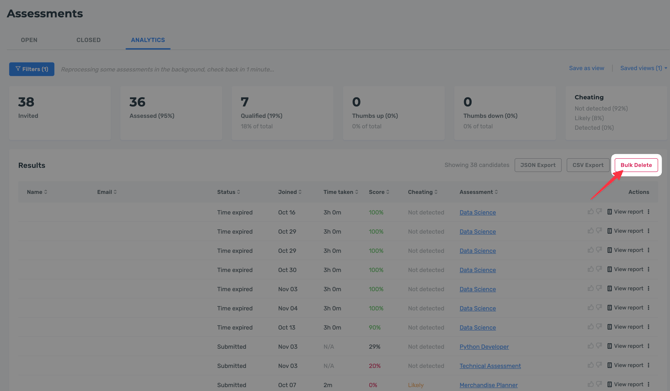
When using Assessment analytics or Interview analytics, you can click Bulk delete to permanently delete the personal information of all candidates that meet the filtered criteria.
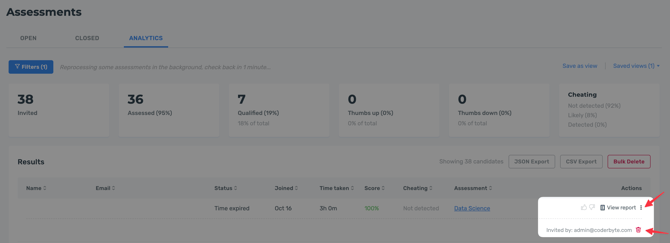
To individually delete the candidate and report data, you must delete the candidate by clicking the three dots next to any candidate record and then clicking the red garbage bin.
Deleted personal data cannot be restored. The candidate's name and email address will be replaced with the word deleted. For analytics purpose, the assessment taken, score, cheating detection, and ratings will be retained.