
Coderbyte integrates with Miro to provide an interactive whiteboard during live interviews. Interviewers and candidates can use the whiteboard to create diagrams, map out workflows, and collaborate on technical problems.
Opening a whiteboard
During a live interview, click the Whiteboard icon in the top-right navigation to switch from the code editor to the whiteboard.
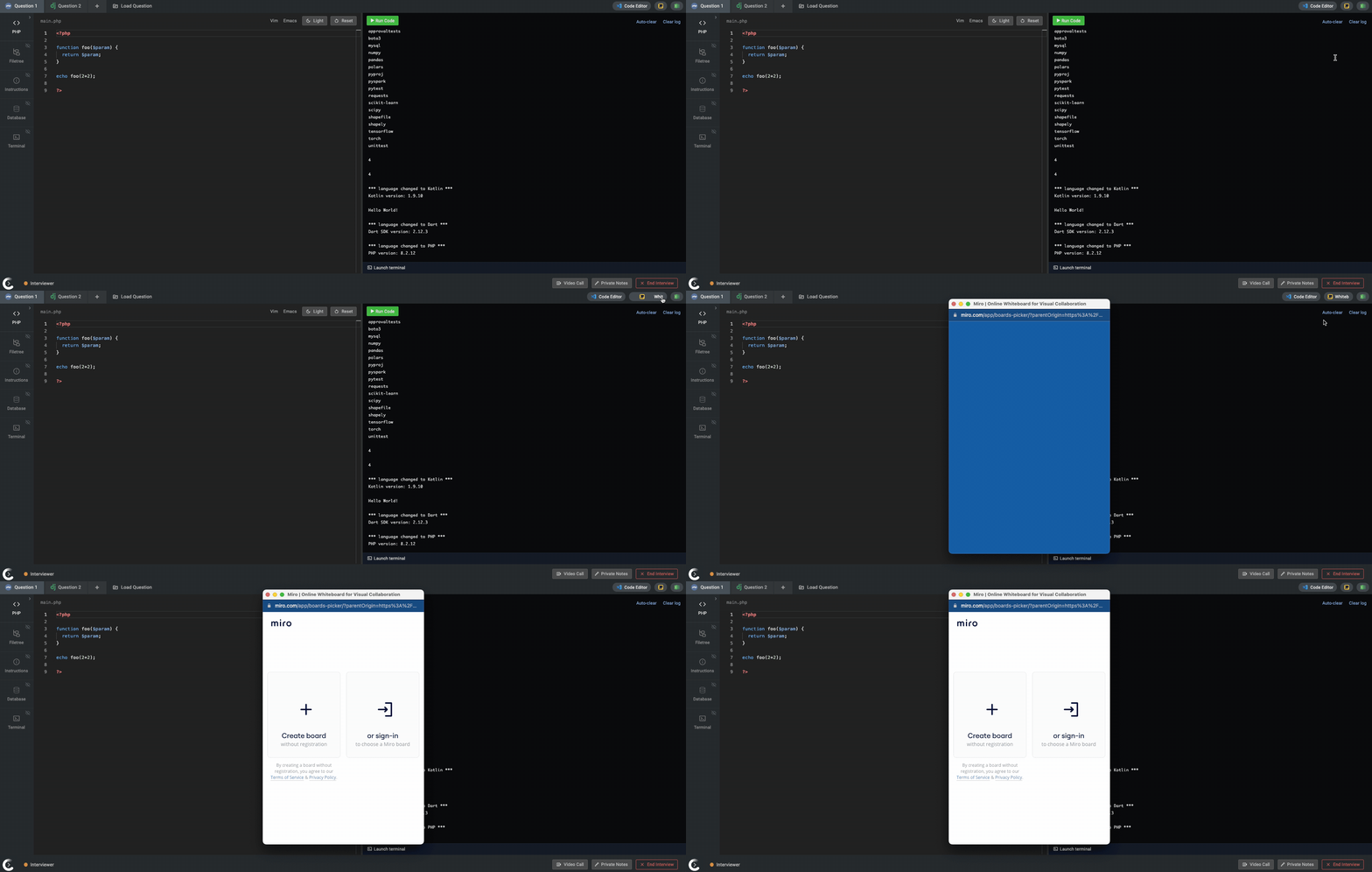
You'll have two options:
- Create a new whiteboard: Start with a blank, anonymous Miro board. No Miro account or subscription is required.
- Load an existing whiteboard: Connect your existing Miro account to access and load a whiteboard. This option requires your own Miro subscription.
Note: New, anonymous whiteboards are available for 24 hours from the moment they're created. Interviewers can prepare a whiteboard in advance by adding text, diagrams, or other content, but the interview must take place within that 24-hour window to ensure the content remains accessible.
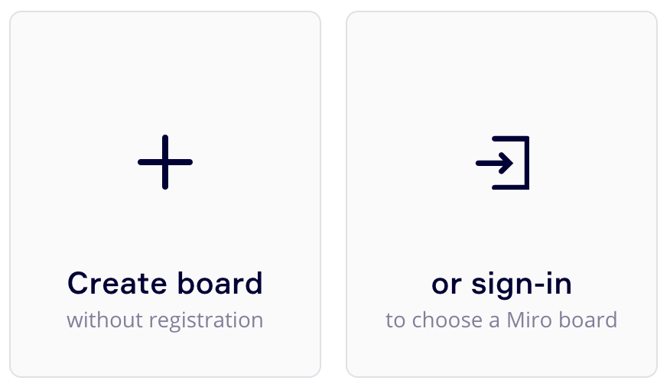
Collaborating on a whiteboard
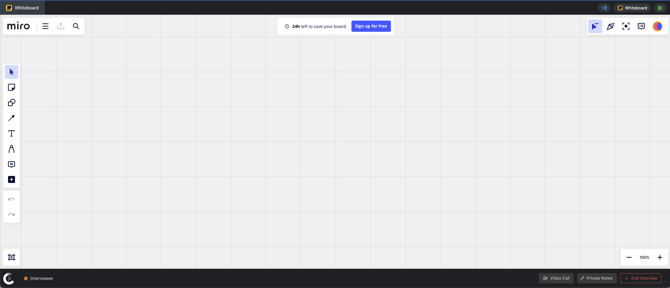
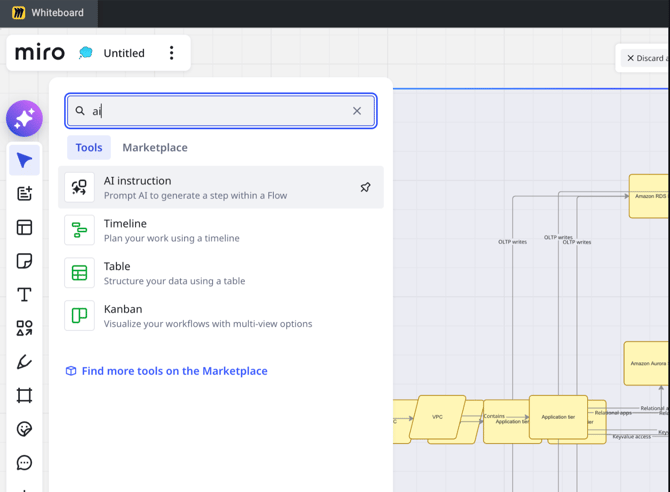
Miro provides tools for creating diagrams, flowcharts, and other visual representations. You can also use Miro's AI-powered features to generate content and assist with building diagrams.
 .
Accessing the whiteboard after an interview
Once an interview ends, a final image of the whiteboard is automatically saved to the interview report, allowing interviewers to review the content afterward.
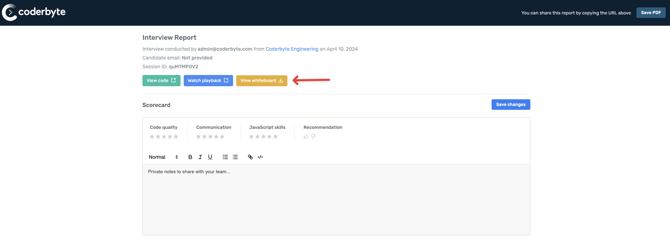
Note: Anonymous whiteboards remain accessible for up to 24 hours from the time they're created, provided the interview hasn't ended. Once the interview ends, the final whiteboard image is saved in the interview report.