
Tab leaving detection is enabled by default for all Coderbyte assessments. This feature helps identify when candidates navigate away from the assessment tab and flags the activity in their candidate report.
Note: Tab leaving detection is enabled by default for all subscription plans. Disabling this feature requires the Branding & customization feature add-on, which is included by default in Bundle annual and Enterprise plans.
Adjusting tab leaving detection settings
To disable tab leaving detection, open your assessment settings and navigate to Cheating detection. Select No for Tab leaving detected.
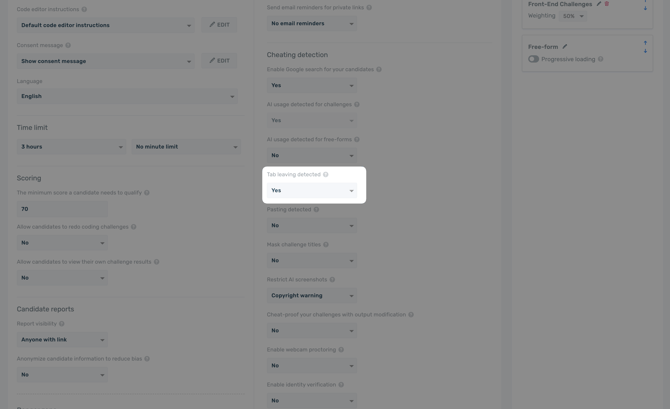
When tab leaving detection is disabled, candidates can navigate away from the assessment tab without the activity being flagged as suspicious in their candidate reports.
To re-enable tab leaving detection, select Yes for Tab leaving detection.